The new creative layer in UI/UX design
There’s a quiet shift happening inside UI/UX teams.
Not the loud, headline kind, but the kind you notice only when you zoom out and realise the workflow itself has changed shape.
Design used to begin with a blank canvas and a lot of interpretation; now it often begins with a prompt, a direction, or a partially-formed idea that already has structure before a designer even touches it.
That changes the job, because the question is no longer whether AI can generate interfaces. (That part is already assumed.) The real question is whether those outputs can survive the reality of product work — where design systems exist, engineering constraints are non-negotiable, and iteration is constant.
That’s where AI platforms for UI/UX have started to matter in a different way. Not as tools for experimentation alone, but as part of the actual workflow.
This list looks at the platforms that are doing that well — the ones quietly becoming part of how product teams think, design, and ship.
How we picked the best AI tools for UI/UX designers
Not every AI tool deserves a place in a real design workflow. Some are impressive in isolation but collapse once they meet constraints, systems, or collaboration.
To make this list of the most powerful AI design platforms, each tool needed to demonstrate more than generation.
We looked for platforms that:
- Fit into real product workflows, not just ideation
- Handle AI UI design tool tasks with structure, not randomness
- Support iteration without forcing resets
- Show awareness of design systems or component logic
- Create outputs that can realistically move toward production
In other words, tools that reduce friction rather than add another layer of translation.
The 8 most powerful AI platforms for UI/UX
1. Figma Make
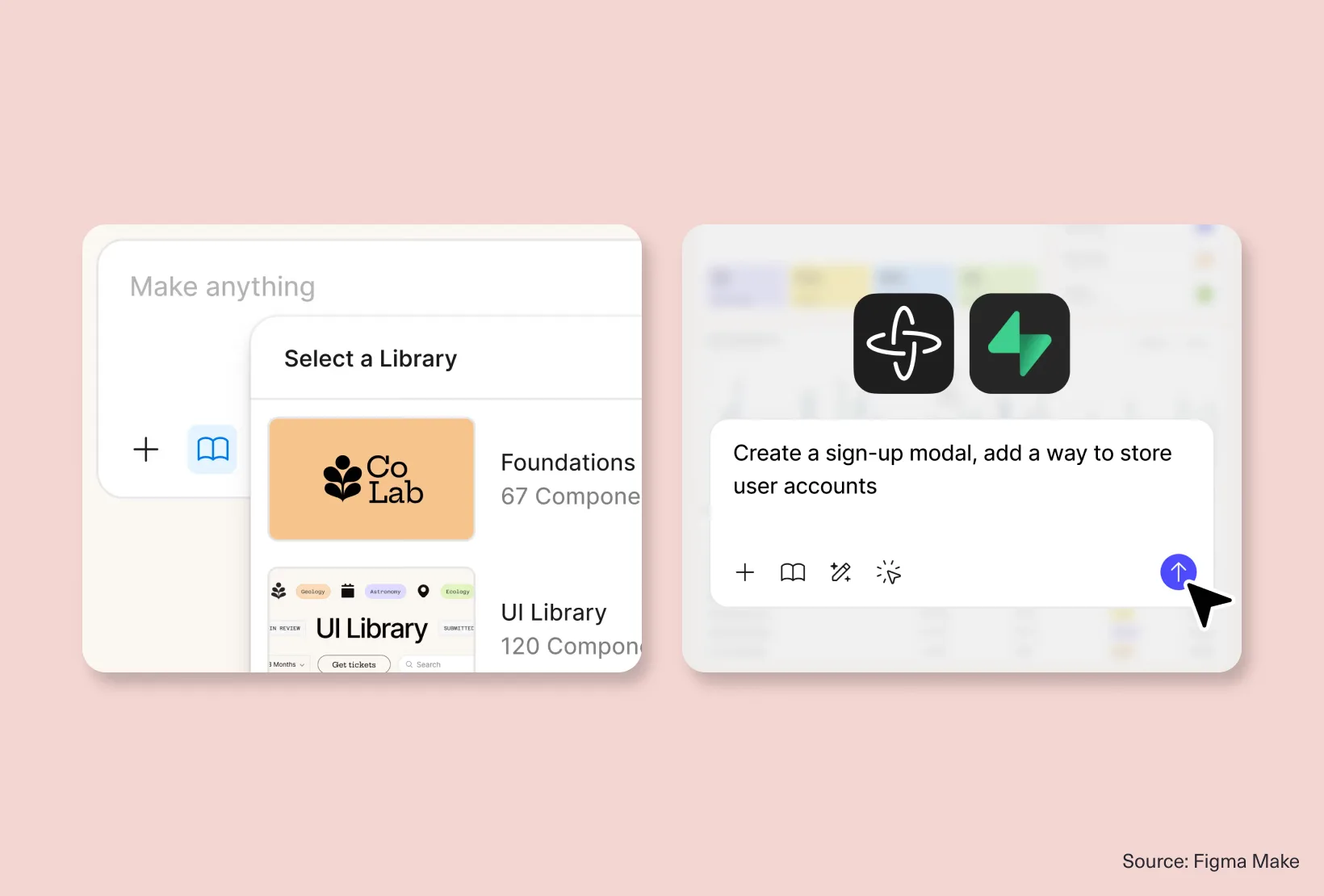
Figma Make works because it doesn’t ask you to change how you work.
It lives inside the environment most product teams already rely on, which immediately removes friction from adoption. You prompt it, it generates UI, and then you continue working on it as if it was always part of the file.
That editability is what makes it useful, not the generation itself.
It slots naturally into existing UI/UX designers’ workflows because it behaves like an extension of the system, not an external experiment.
Where it fits:
Teams already embedded in Figma and structured design systems.
2. Google Stitch
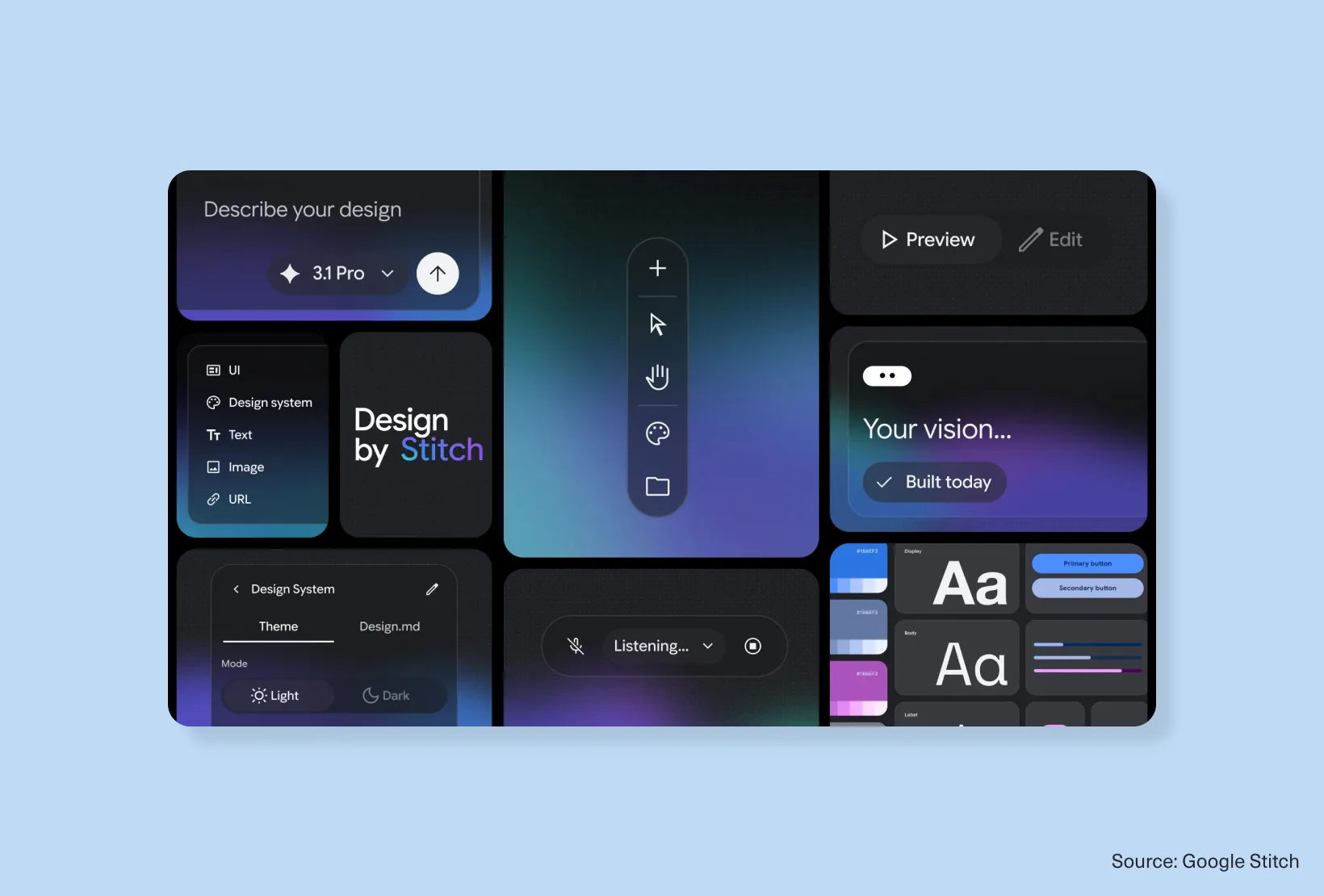
Stitch feels less like a traditional design tool and more like a space for structured exploration.
You describe intent in natural language, and it begins shaping interfaces quickly enough that ideas stop feeling abstract and start becoming tangible.
Among newer prompt-to-UI tools, it stands out for encouraging iteration over perfection. It’s not about producing final screens, but about testing directions at speed.
Where it fits:
Early product thinking and concept exploration.
3. Claude Design
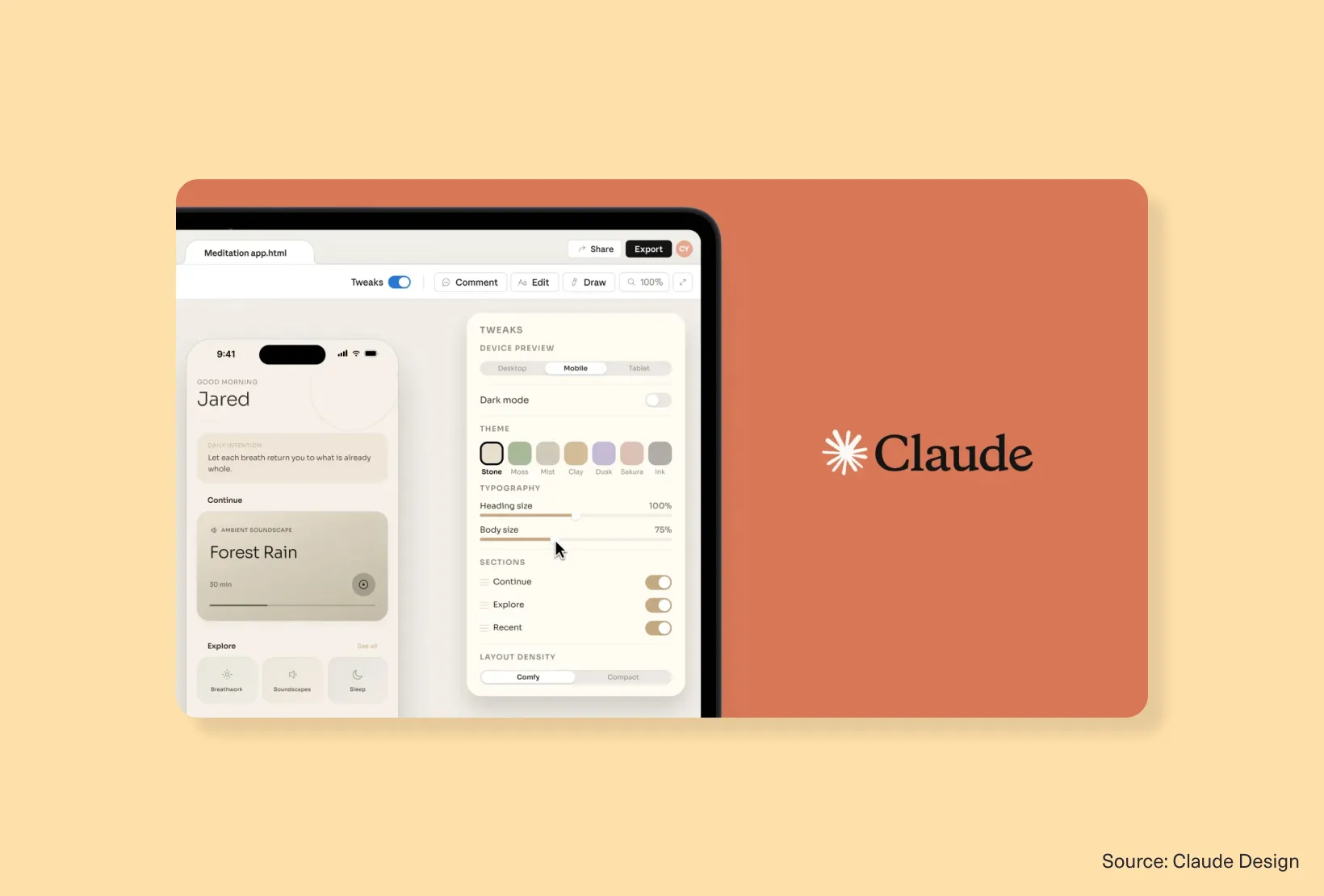
Claude Design takes a more conversational approach to interface creation.
Instead of generating once and manually refining, you shape output through dialogue. That changes the rhythm of design work slightly — less static iteration, more evolving conversation.
It’s particularly useful when teams want structured exploration without locking themselves too early into rigid outputs.
It also performs well when given design-system context, which makes it more grounded than many AI UI design tools in this category.
Where it fits:
Early-stage ideation and structured refinement.
4. UXPin Merge AI
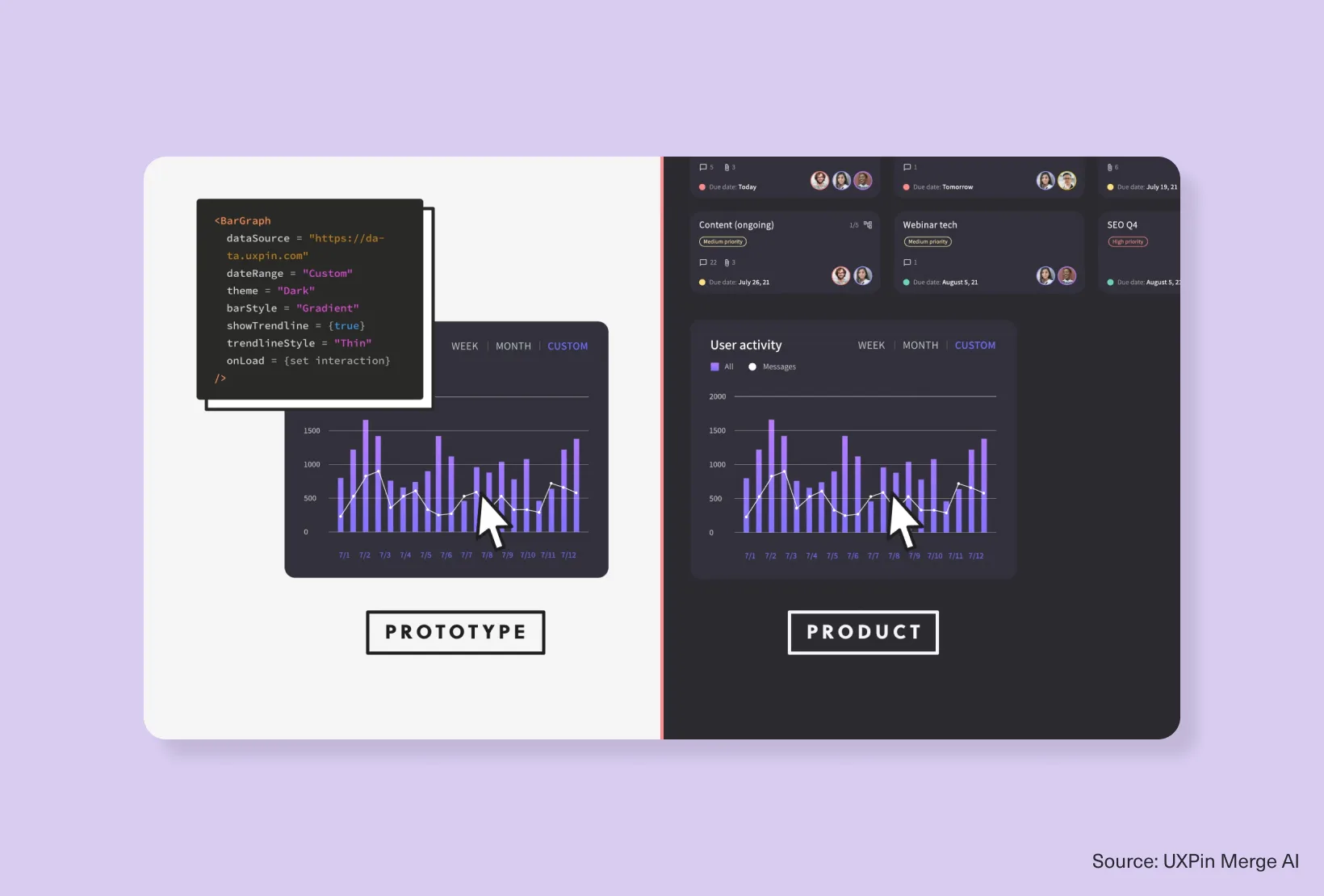
UXPin Merge AI sits firmly in production territory.
It’s built around real components rather than visual approximations, which immediately shifts its role from “design assistant” to system-level infrastructure.
As one of the more serious design-to-code tools, it prioritises consistency and implementation fidelity over creative freedom.
The trade-off is intentional: less exploration, more reliability.
Where it fits:
Mature product teams with established design systems.
5. Magic Patterns
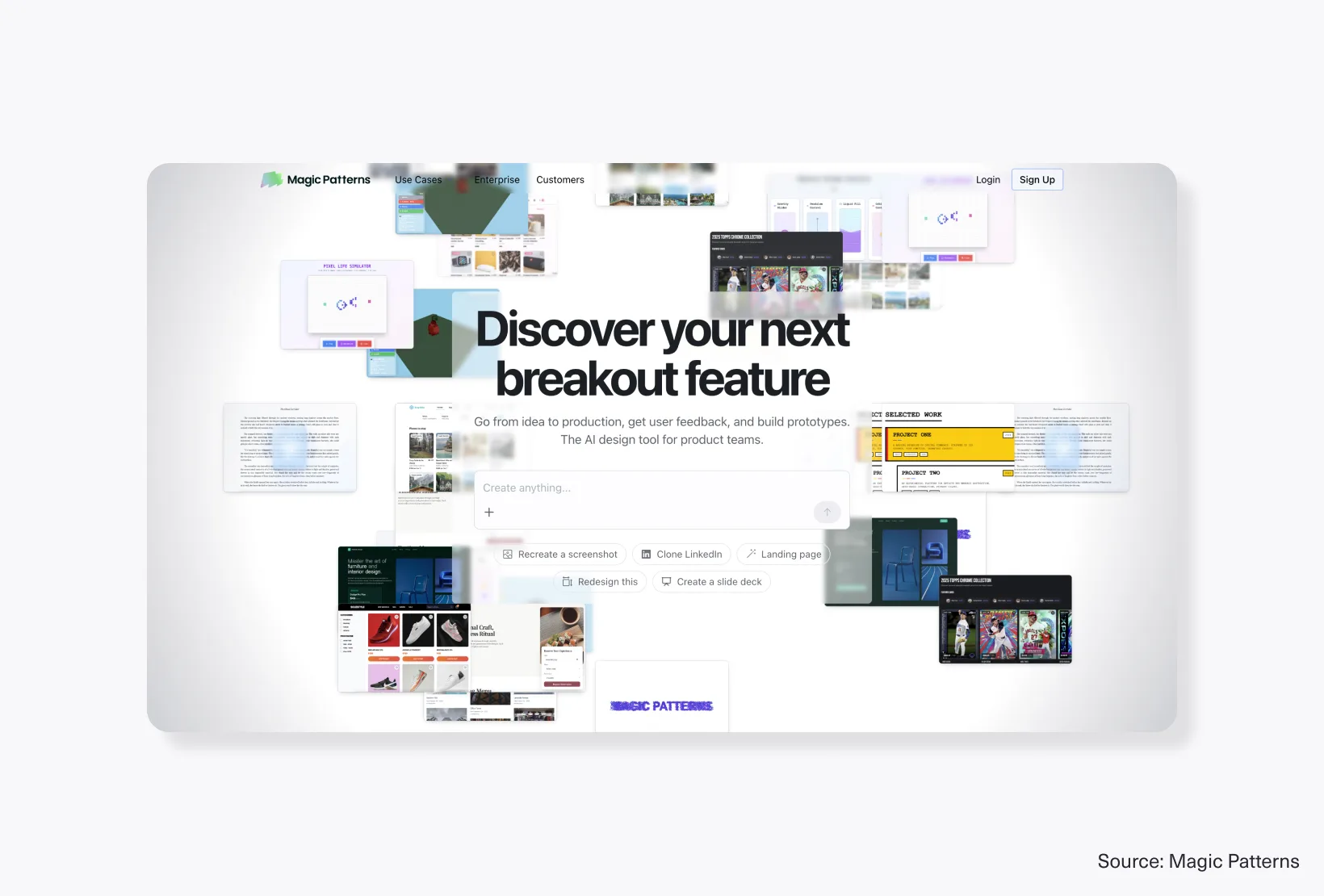
Magic Patterns occupies a practical middle ground between exploration and execution.
It understands existing product UI and extends it rather than reinventing it, which makes it especially useful for teams evolving live products.
It doesn’t feel like a generative experiment. It feels closer to structured iteration.
In the landscape of AI prototyping tools, it’s one of the more grounded options.
Where it fits:
Teams working on active product development.
6. Lovable
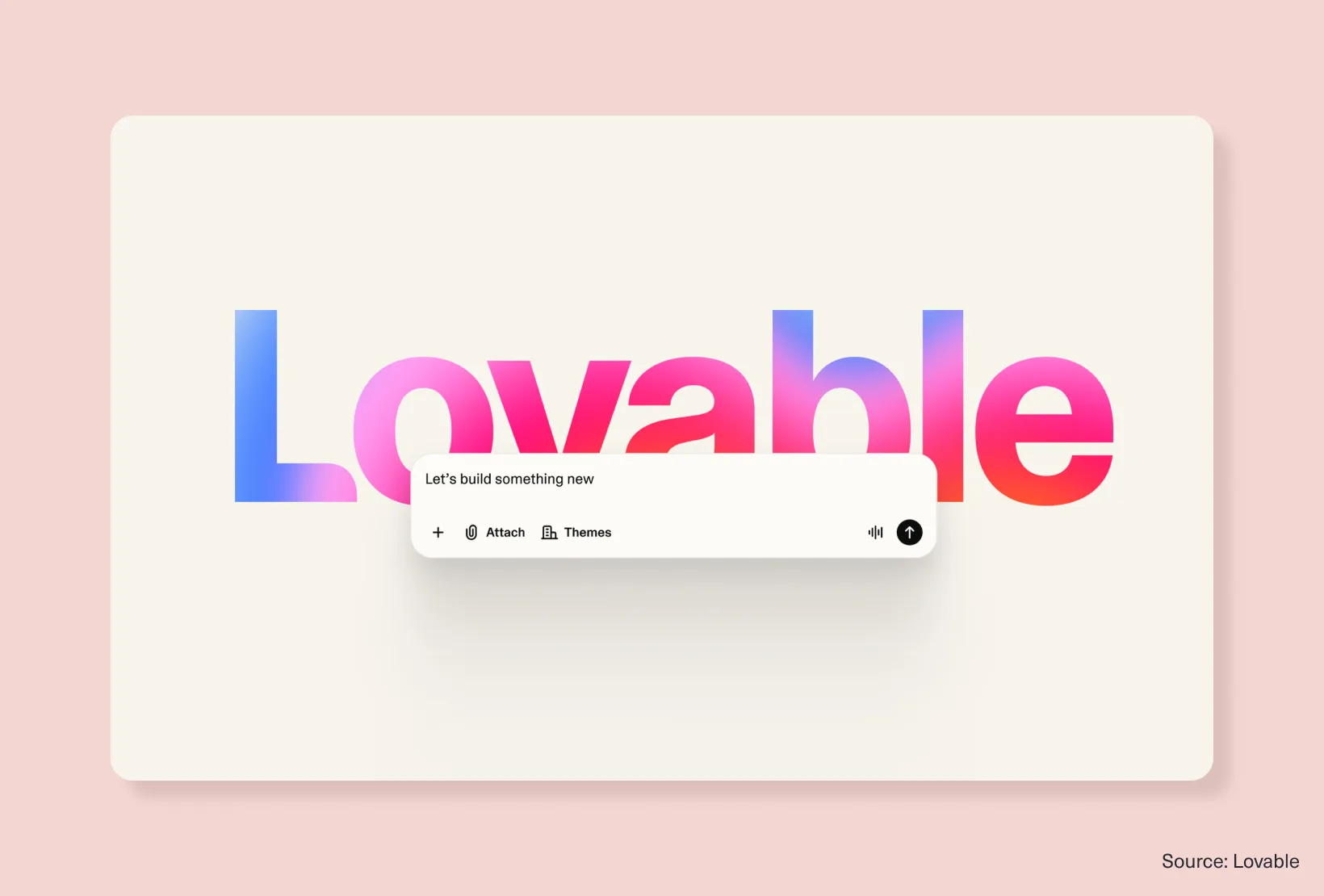
Lovable is less about interface design and more about momentum.
It compresses the path from idea to functional product, which makes it particularly appealing for founders or small teams trying to validate quickly.
It sits within broader AI tools for product design, where speed and output matter more than refinement at the earliest stages.
Where it fits:
MVP development and early-stage products.
7. Framer AI / Wireframer
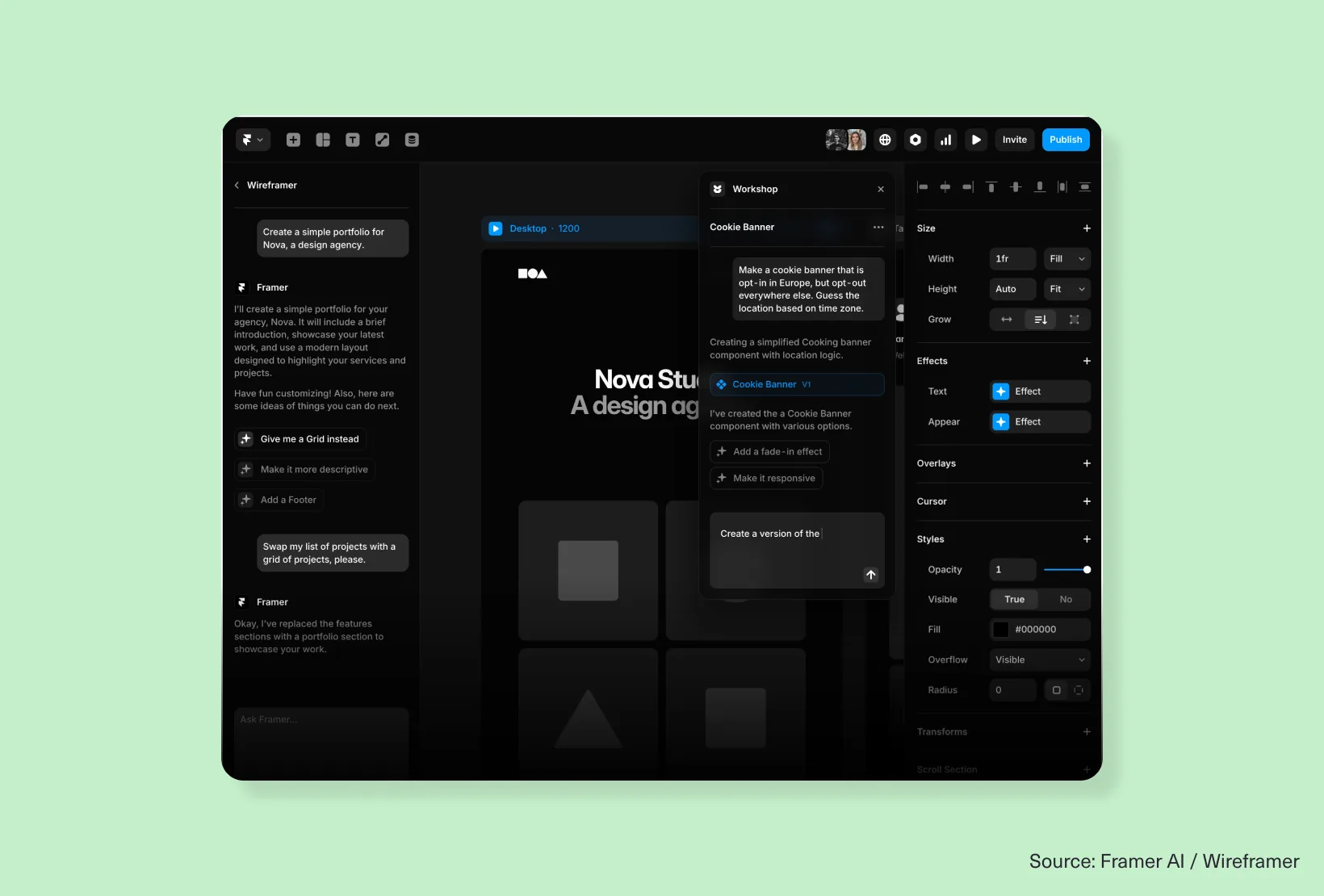
Framer Wireframer focuses tightly on web structure.
It turns prompts into responsive layouts that already understand hierarchy, spacing, and page flow, making it especially effective for marketing sites and web-first experiences.
It doesn’t try to solve full product UX. It solves structured web design. As an AI wireframing tool, that focus is exactly what makes it strong.
Where it fits:
Landing pages and website UX.
8. UXPilot
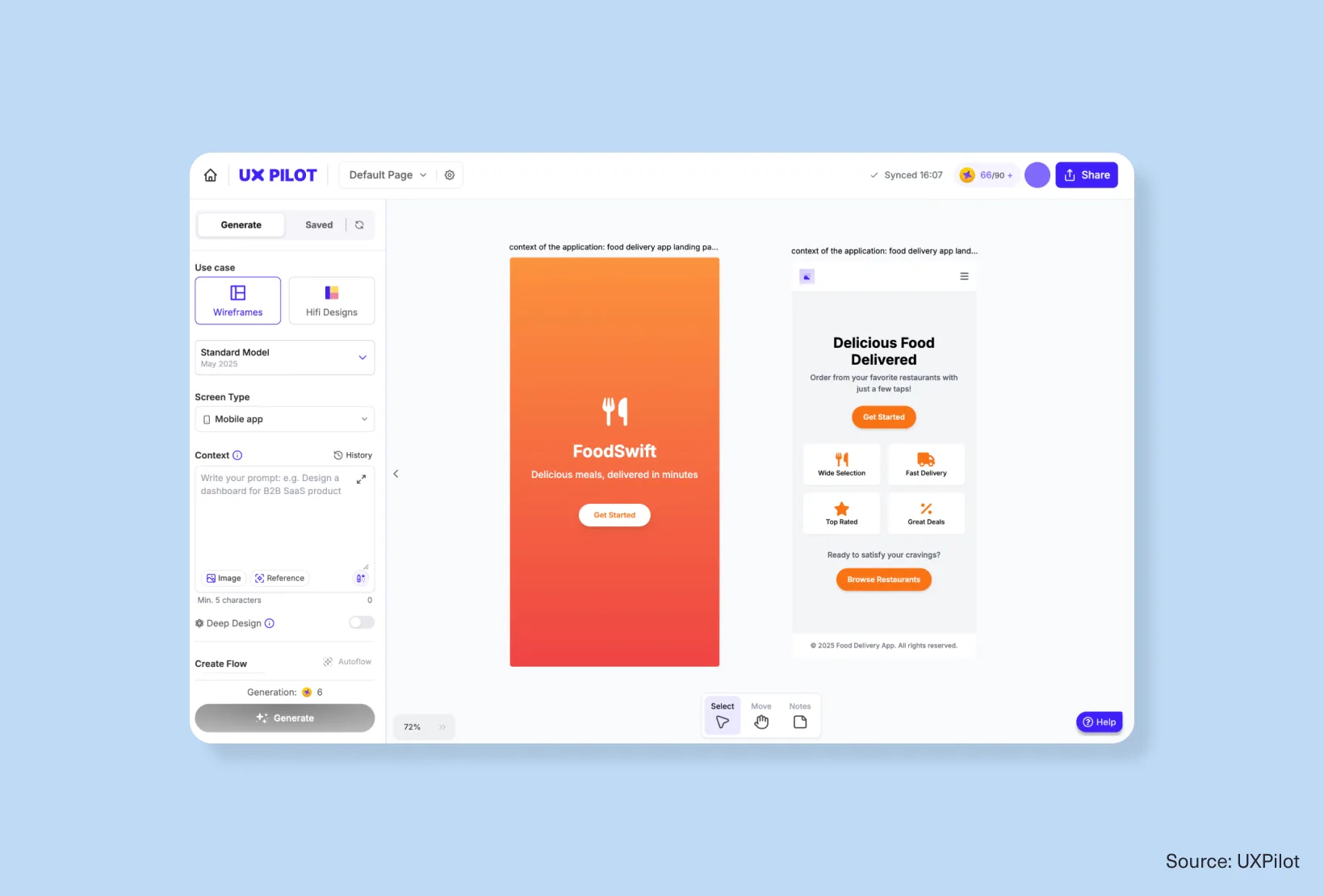
UXPilot operates at the earliest stage of the process — before visuals, before polish, when everything is still loosely defined.
It helps translate early thinking, sketches, or product requirements into structured flows and initial UI direction.
It’s not about refinement, it’s about getting from ambiguity to structure quickly.
Where it fits:
Early UX definition and flow mapping.
Choosing the right tool depends on workflow stage, not popularity
Once you step back, the pattern becomes clearer.
These tools don’t compete directly. They operate at different layers of the design process.
If you’re working inside a design system:
- Figma Make or UXPin Merge AI
If you’re exploring ideas:
- Stitch or Claude Design
If you’re evolving real products:
- Magic Patterns or Lovable
If you’re designing web experiences:
- Framer Wireframer
If you’re shaping early UX structure:
- UXPilot
The shift in top UI/UX AI tools isn’t consolidation — it’s specialisation. Each tool is narrowing its focus to do one part of the workflow well.
And that’s what makes them usable in practice.
From generating screens to supporting real product momentum
The misconception about AI platforms for UI/UX is that their value sits in generation, but generation is no longer the hard part.
The real challenge is what happens after — whether output can be shaped, extended, and moved through a real product system without breaking.
The tools that matter now are the ones that understand that constraint and design for it.
Not more output; more continuity. Less friction between stages.
That’s where the real shift has happened.
Where UI/UX design is actually heading next
AI didn’t replace UI/UX design; it changed its rhythm.
More starting points, fewer blank pages, faster iteration loops.
But the core work hasn’t changed. Designers are still making decisions about structure, hierarchy, and experience — just from richer inputs.
The strongest AI design platforms are the ones that respect that reality without trying to overtake it.
Design isn’t being automated. It’s being accelerated.
If you want more breakdowns like this (where we focus less on hype and more on how design tools actually behave inside real workflows), subscribe to the Design Force blog.
We’ll keep it sharp, grounded, and useful in the way real design thinking tends to be.