When a new AI tool gets announced, most creative teams watch and wait.
When Google announced Flow at Google I/O 2025, our motion team decided to actually test it. The more they dug into it, the clearer it became that this one was worth taking seriously. We’ve spent the last several weeks finding out. Our team has been running experiments with Flow on client projects, and we’ll share an honest account of what happened.
For the broader context on how AI tools are shifting creative workflows, that piece is worth reading as well.
What is Google Flow, really?
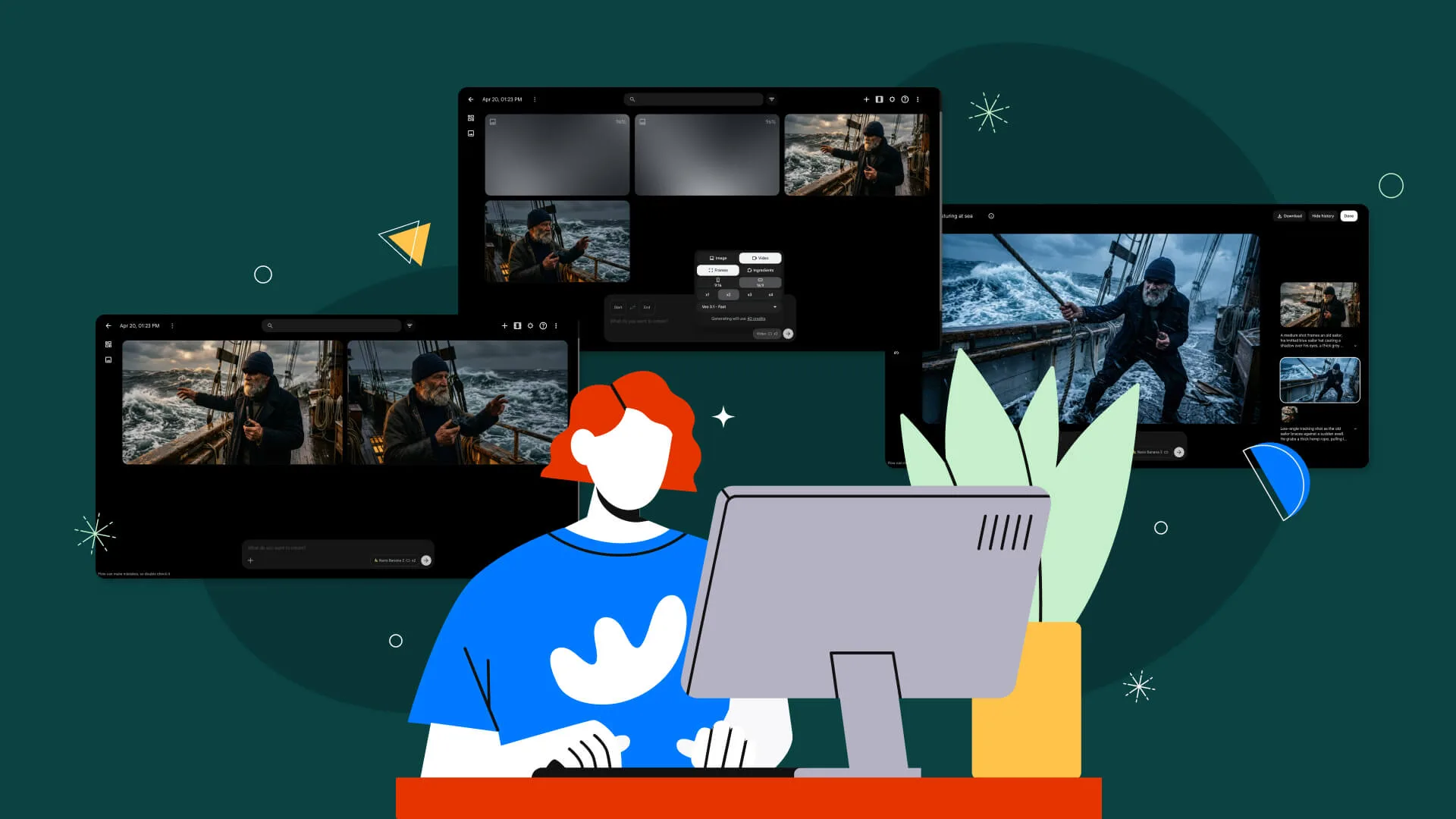
Google Flow is an AI video generation tool that helps motion teams produce supporting animation faster, covering background motion, exploratory visuals, and rapid concept generation, without replacing the craft behind it.
Veo handles the video generation, Imagen 4 takes care of photorealistic visuals and environments. Gemini sits underneath all of it to make prompting feel natural rather than technical.
Using Google Flow for designers means creating static client assets (think product shots, brand gradients, and background scenes) that can be turned into animation without rebuilding everything manually in After Effects.
While the AI generates a starting point, the designer still shapes, refines, and integrates everything into the final piece.
Flow was never meant to be a full animation suite. But it does one thing well: it gets certain parts of theproduction process done faster.
In one sentence:
Flow is an AI video generation tool that helps motion teams produce supporting animation faster, without replacing the craft behind it.
Why motion teams are paying attention
Here’s a scenario that most designers can relate to. A client sends over a set of branded assets and wants them animated, usually on a tight timeline.
The traditional path means a motion designer rebuilds parts of the asset, works through the animation frame by frame, and manages all of it inside After Effects. On complex scenes or tight timelines, that time adds up fast.
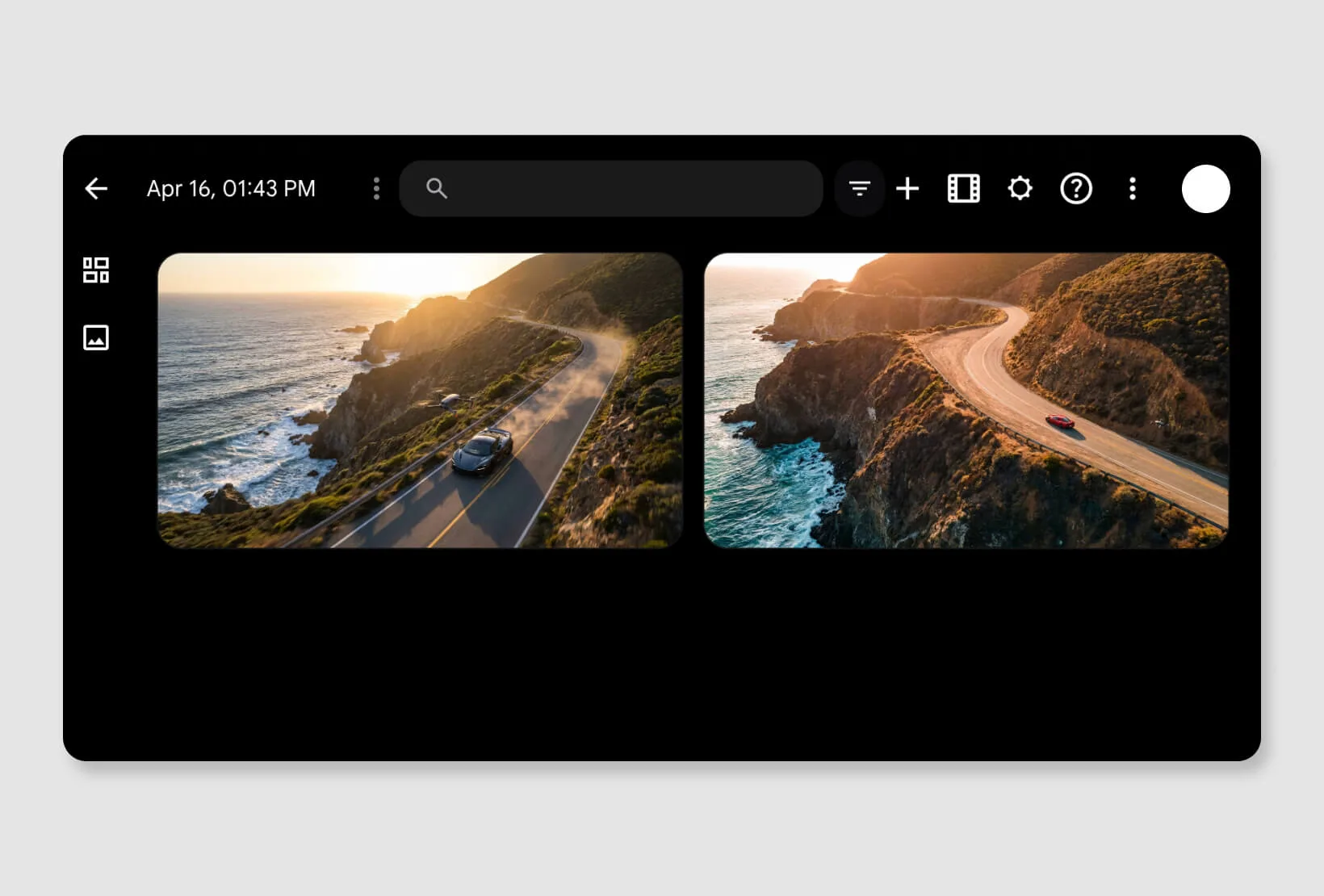
Flow shortcuts specific parts of that process. Background movement, ambient effects, and early-stage exploratory motion are areas where AI generation saves real time.
The final output still runs through traditional tools, but the starting point arrives much sooner. That alone changes how the whole design workflow operates.
How the Design Force team is using it
The motion design workflow our Senior Art Director, Nico Garcia, set up with the team started from the storyboard. Every project starts from there, so the integration felt natural rather than forced.
Once the storyboard is approved and key frames are locked, the team looks at which scenes are good candidates for AI-assisted generation.
The filter is pretty clear. Scenes involving ambient motion, environmental movement, or supporting visual effects go to Google Flow. AI simply helps speed up certain stages of production where it makes sense.
For the scenes that qualify, Flow generates the motion. Those assets then come back into After Effects for the real refinement work, covering timing, color, compositing, and how the final output will look like.
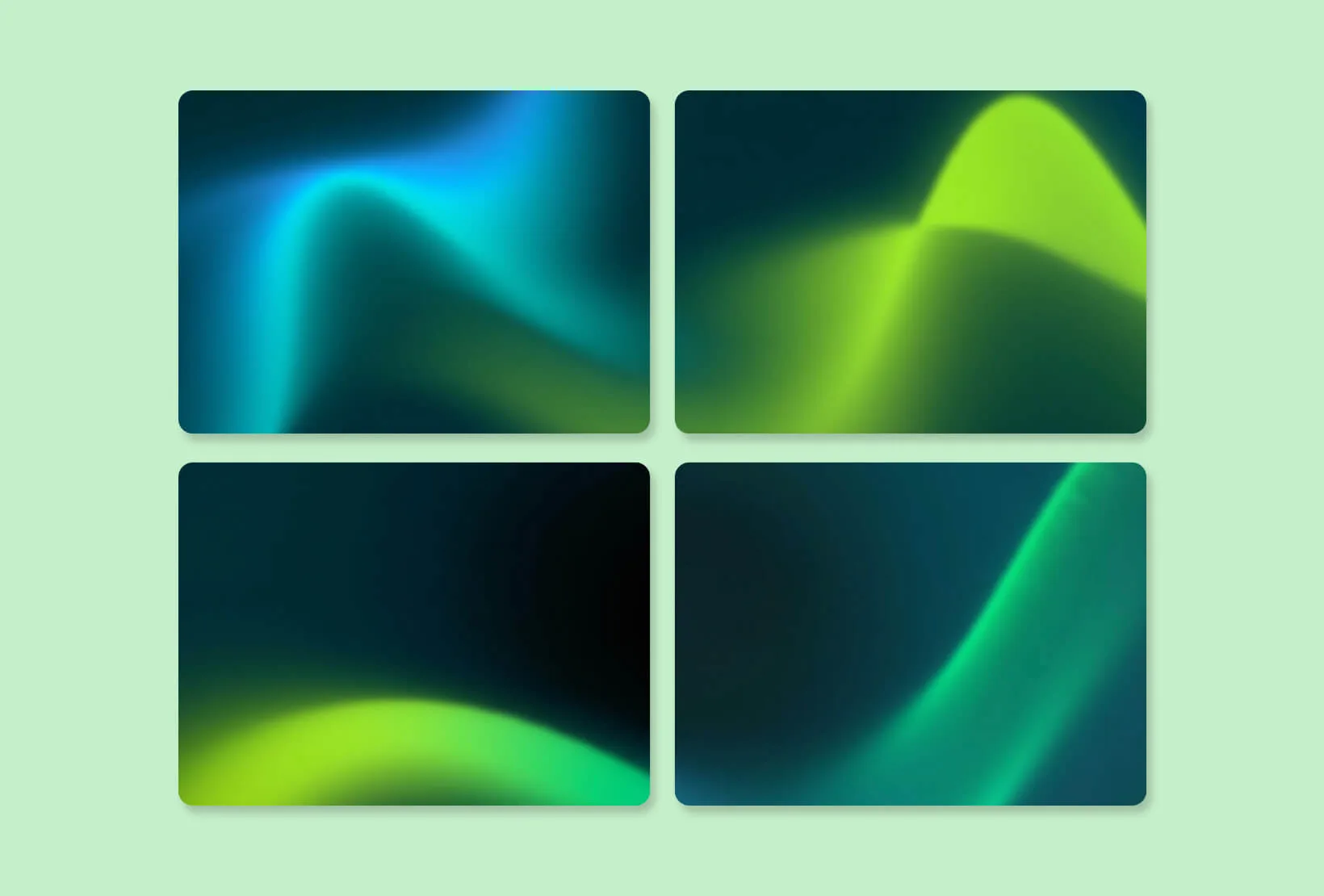
One project brought the value into focus. A client needed animated gradient backgrounds built from their custom brand palette. Manually animating those gradients in After Effects would have taken significant time.
Instead, the team prompted Flow to generate smooth, ambient gradient motion based on the brand colors. The output did not go straight into the project. It came into After Effects first, where the team refined the timing, adjusted the color, and integrated it properly. This hybrid approach made the process faster without dropping the quality bar the team holds on every motion project.
Nico’s take: Where it shines and where it doesn’t
His read on the tool was direct: Google Flow works best as a creative accelerator, not a full replacement for professional animation workflows.The team treats it as a copilot, not the primary animation tool.
Most conversations about adopting AI tools in creative processes fall into one of two positions. Either the tool changes everything, or it’s not ready yet. Flow sits somewhere more useful than either of those takes.
Where it shines
Speed is the headline benefit, but it needs some context. Flow is fast on the right tasks such as ambient backgrounds, exploratory motion, and early concept visuals. For scenes that do not require precise frame-by-frame control, the AI can produce a solid starting point in a fraction of the time.
Early-stage client exploration is another place where it earns its keep. Generating a few rough motion concepts before committing to full production changes the conversation. Clients see direction faster, and the rest of the project moves accordingly.
“Right now, Flow works best as a creative accelerator, not a full replacement for professional animation workflows.”
Nico Garcia, Senior Art Director @ Design Force
Where it falls short
Precision is the main sticking point. Client work is specific in ways AI still struggles to match, such as exact timing, brand-accurate colors, and tight animation behavior. Trying to force Flow into that territory creates more work than it saves.
Cross-generation consistency is another challenge. When multiple clips need to feel visually cohesive across a longer piece, keeping that consistency between separate generations takes real effort. Because of this, the team uses Flow as a support tool. Hero animation stays with the designers, while Flow handles supporting elements well.
“Projects that require highly detailed animation control, precise brand execution, vector animation, or frame-perfect motion graphics will still rely heavily on traditional tools and skilled animators.”
Nico Garcia, Senior Art Director @ Design Force
What we are testing next
Next up, the team plans to test how Flow handles short scene sequences and motion loops that could be reused across projects. The bigger question is whether a repeatable workflow can be built around it, one that pairs AI generation with traditional animation in a way that holds up at production quality.
As Nico put it, the real value will come from identifying specific use cases where Flow consistently saves time without compromising quality.
“As the tool evolves, our workflows will evolve with it — and our goal is to continuously find smarter ways to combine AI with the creative expertise of our design team.”
Nico Garcia, Senior Art Director @ Design Force
AI video technology is moving fast. What Flow does today is a fraction of what it will do in a year, and the team isn’t waiting to find out. The goal was never to hand the work over to AI. It was to get smarter about where it fits.
Who should try it (and who should wait)
If your team regularly works on concept videos, marketing visuals, ambient backgrounds, or motion loops, Flow is worth exploring. The time savings are real, and the learning curve is manageable.
For teams doing highly detailed brand animation, vector-based motion graphics, or anything frame-specific, the existing tools are still the right call. Flow isn’t reliable enough yet for that level of precision work.
The honest verdict
Based on the team’s experience, it’s already looking to be useful for designers—as long as you point it at the right tasks. While it won’t necessarily transform motion design entirely, it has the potential to save a lot of production time, especially at the start.
Zooming out, AI is changing the industry in ways that go well beyond video generation. The tools are getting faster, the outputs are getting sharper, and the barrier to producing decent creative is dropping.
What AI cannot replicate is the judgment a skilled designer brings to a project: knowing when something feels off-brand and how to make a piece of motion feel intentional rather than generated.
That gap is not closing anytime soon. The teams that will get the most out of tools like Flow are the ones that use them to free up time for that kind of thinking, not replace it.
Three principles for using Flow without losing control
- Storyboard before you open Google Flow. AI works best when it is supporting a defined concept, not inventing one. Lock the narrative and key frames first. The clearer the creative brief, the more useful the output.
- Be selective about which scenes you bring to it. Not everything benefits from AI generation. The team picks scenes specifically because they involve backgrounds, ambient effects, or supporting visuals where speed matters more than precision. Everything requiring tight control stays in After Effects.
- Build refinement time into the plan from day one. Generated assets are a starting point. Time for bringing those clips into After Effects for timing, color, and compositing needs to be in the project timeline before anything gets generated.
AI is moving fast. Staying curious is good. Staying mindful is better. At the end of the day, the best creative work still comes from people who know what they are doing.
Need design done right? Design Force is a fully managed design subscription service that helps marketing and creative teams get high-quality, on-brand work done fast. Book a call with us now and see what a vetted, expert design production team can deliver for you.